
techSHIP allows you to optimize the fulfillment process by automatically determining the most efficient box for a specific set of items. Selecting the appropriate algorithm ensures a balance between calculation speed and packing efficiency based on your specific shipping needs.
This article explains the technical characteristics, usage limitations, and selection criteria for the cartonization algorithms available in techSHIP.
Prefer listening? This podcast-style audio walks you through the article's key points.

This article is divided into the following sections:
- Available Algorithms
- Basic
- Basic with Rotation
- EB-AFIT
- Feature Comparison Matrix
- Selecting the Right Algorithm
I. AVAILABLE ALGORITHMS
When configuring the Cartonization Algorithm, you must select one of three algorithms. Each represents a different level of complexity and packing logic.
 NOTE: None of the available algorithms support "tipping" (laying a tall item flat on its side). Rotation refers strictly to spinning an item on its vertical axis.
i. Basic
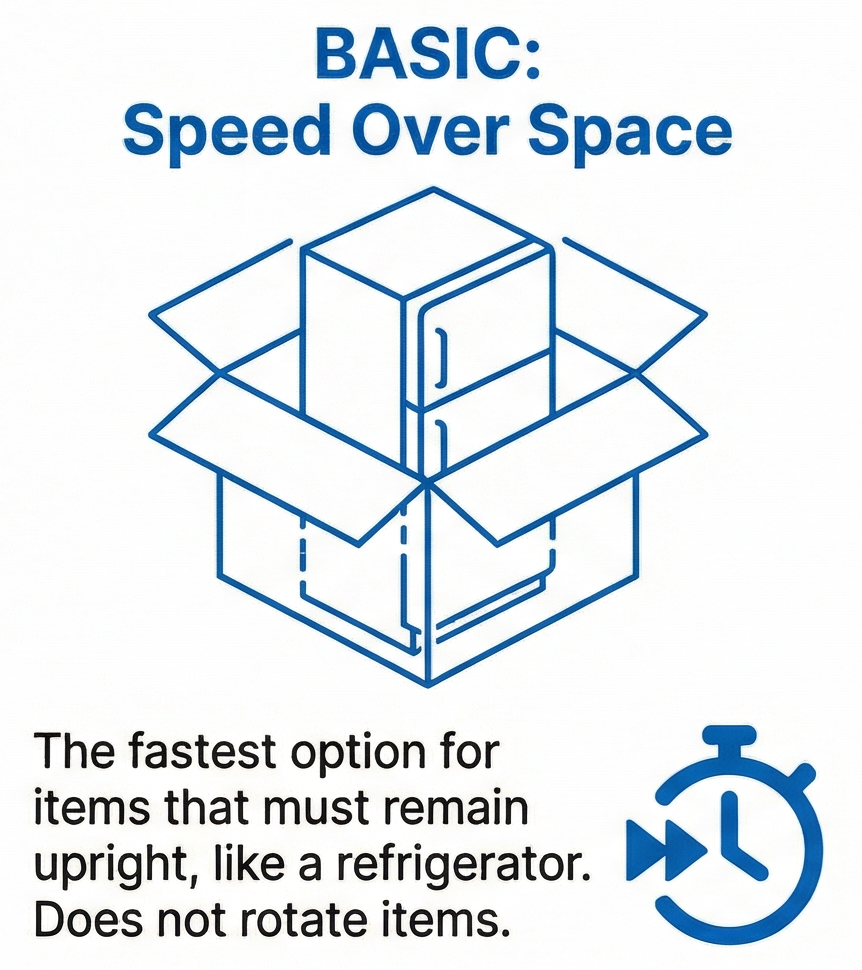
The Basic algorithm is a high-speed logic engine designed for performance-critical scenarios where calculation speed is more important than space optimization. It verifies if items fit into a box based on their defined dimensions while strictly maintaining their original orientation.
It is the recommended choice for LTL shipments or orders consisting of a single item type where complex nesting is unnecessary. This algorithm is ideal for items with strict orientation requirements that must remain upright to avoid damage, such as a refrigerator.
ii. Basic with Rotation
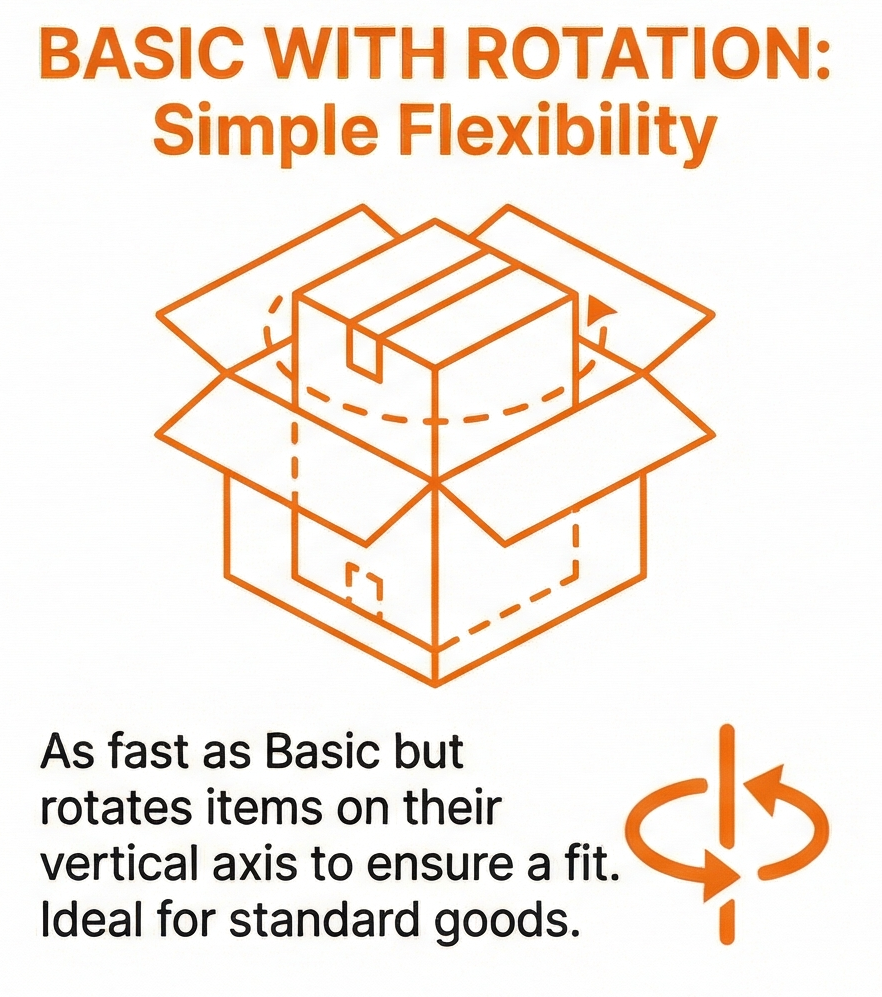
This algorithm provides the same processing speed as the Basic mode but includes the flexibility to rotate items along their vertical axis to find a valid fit.
If an item does not fit in its default orientation, the engine attempts to swap the length and width dimensions (axis swapping) to secure a placement. This mode helps prevent "No Box Found" errors for standard goods that can be spun in place but should not be tipped over.
iii. EB-AFIT
EB-AFIT is an advanced optimization engine that uses complex heuristics and volumetric simulations to find the most efficient packing configuration.
It prioritizes space-saving over calculation speed, making it suitable for orders with many different item types where reducing "shipping air" is the primary goal. Unlike the Basic algorithms, EB-AFIT iterates through multiple packing combinations to achieve maximum density.
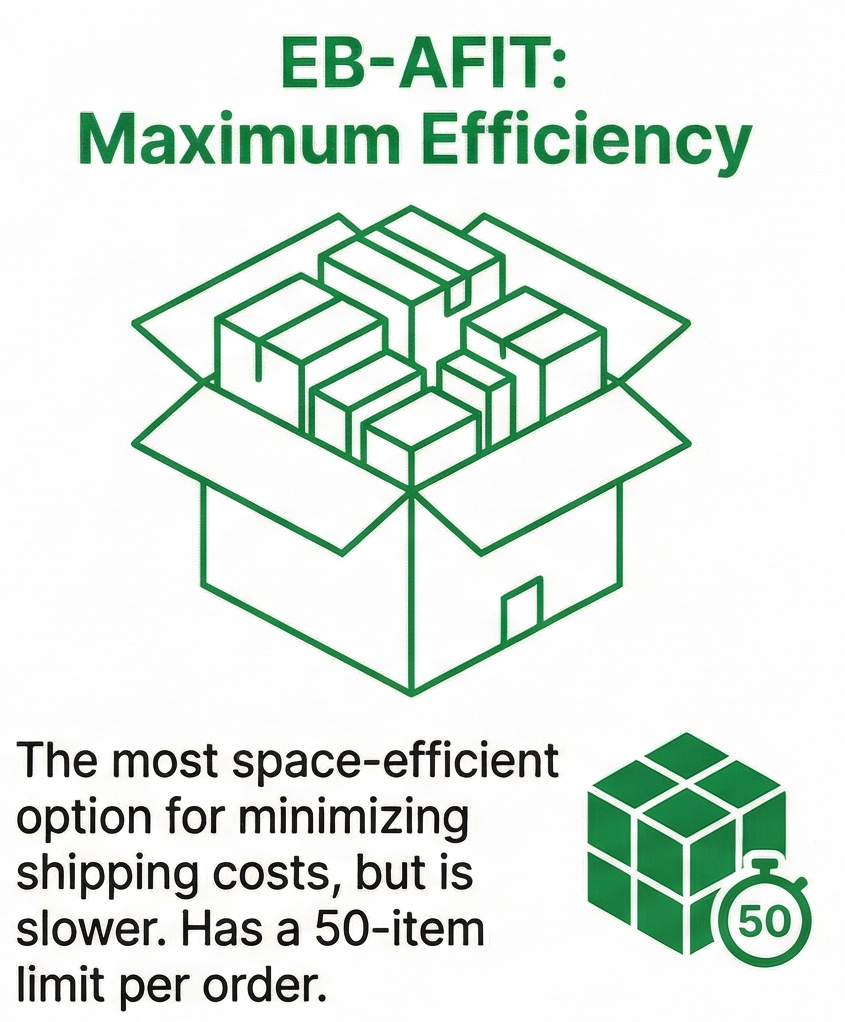
 WARNING: EB-AFIT has a strict performance limitation and supports a maximum of 50 items per order.
II.FEATURE COMPARISON MATRIX
The following table outlines the key functional differences between the described algorithms:
| ALGORITHM | |||
| FEATURE | BASIC | BASIC WITH ROTATION | EB-AFIT |
Calculation Speed | Fast | Fast | Slow |
| Rotation Allowed | No | Yes | Yes |
| Space Efficiency | Less Efficient | Less Efficient | More Efficient |
| Item Limit | Unlimited | Unlimited | 50 |
III. SELECTING THE RIGHT ALGORITHM
Selecting the correct algorithm involves balancing operational speed with potential shipping savings:
- Choose Basic if:
You require the fastest processing speed while shipping LTL or up to 3 items, or your inventory must remain strictly upright.
- Choose Basic with Rotation if:
You ship items with no specific orientation requirements and want to avoid packing failures caused by simple dimension mismatches.
- Choose EB-AFIT if:
You ship orders with 4 to 50 items and your priority is minimizing box sizes and shipping costs.
NOTE: To learn how to set up Cartonization settings, refer to: How to use Cartonization [Step-by-step guide][Information].