
When adding or updating MH10 labels in your environment, you will resort to import Baseline Accounts using an encrypted file.
 | The file you will import will be generated and provided by Techdinamics. |
 | Access to this functionality is restricted based on user roles:
|
To perform the deployment:
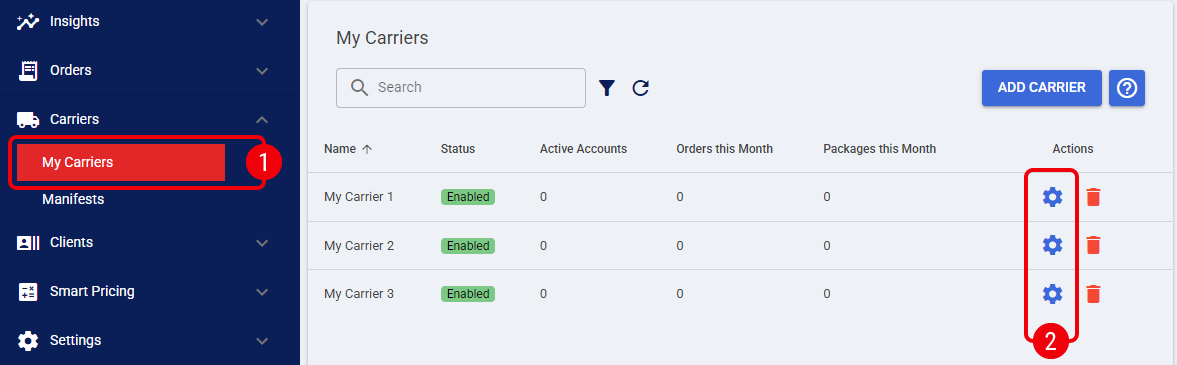
 | Click My Carriers from the left menu under the Carriers section. |
 | Click the Settings icon to edit the desired MH10 Label carrier profile. |
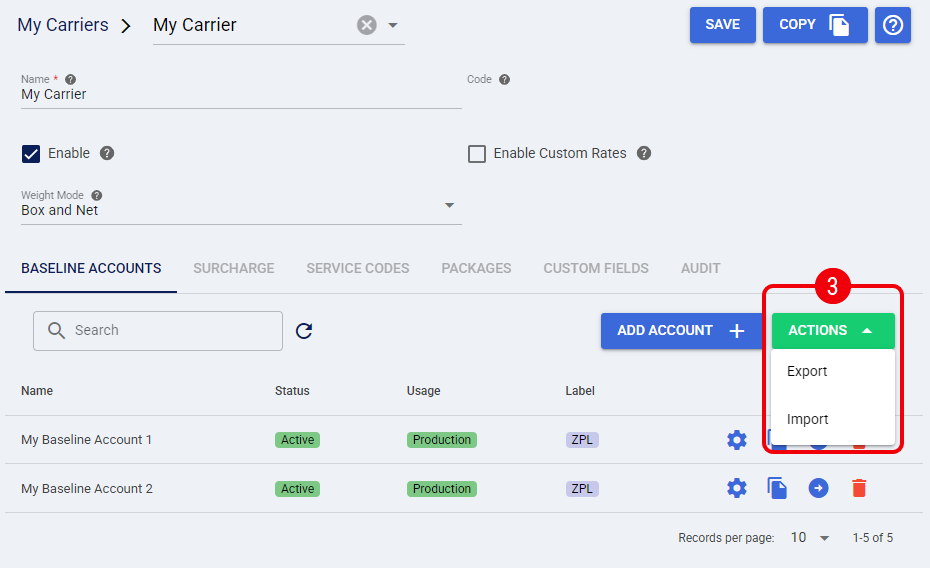
 | Press Actions and select Import, techSHIP will display a pop-up |
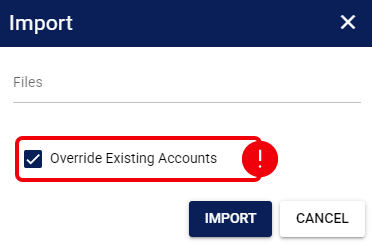
- Click Files and select the file provided by Techdinamics from your local drive
- Enable the Override Existing Accounts checkbox if you are updating a previous version of the MH10 label, if it's new, it's not necessary
- Press Import to complete the process
If the import is correct, techSHIP will display a confirmation message.